Computer Screen Magnifier
A computer screen magnifier can help you continue to enjoy and use your computer at work and at home. Find out what options are available as features already installed in your operating system and tips from others with macular degeneration. Screen magnifiers, software magnification, and large number keyboards can keep you enjoying your computer with less eye strain.

Some links in the following sections are eBay or Amazon affiliate links, which means that if you purchase a product through them I receive a small commission. There is no extra cost to you. Find more details on this page.
Consider that now all computers can be adjusted for:
√ brightness
√ color
√ font size
√ background color for contrast
These features alone can make it much easier for you to read e-mails and to write to friends and family members. Computers are one of the most often used forms of low vision technology. From larger monitors to special text to speech software there are many ways to enlarge print, reduce glare and increase contrast so that you can surf away on the internet.
Microsoft Optical Mouse
Here is a computer screen magnifier tip from WebRN Macular Degeneration reader, Bill:

 The best product I have found for screen magnification is the Microsoft Comfort Optical Mouse 4000.
The magnifier can be turned
on and off with a push button switch on the left side of the mouse. The
size of the magnifying window and the magnification level are easily
controlled with mouse movements.
This is such a simple effective device and sells for less than fifteen dollars. I think it is low vision's best kept secret.
It is an indispensable tool for me as a constant computer user."
Go to Amazon here to check it out:
Microsoft Notebook Optical Mouse 4000Use Your Control Keys to Enlarge Print
There are two things you can try with Windows before you purchase a PC screen magnifier:
1) Simply hold the Control key and click the + key. Hitting the - (minus) key will make the page smaller.
2) Magnifier is a display utility for those who have Windows XP that makes the computer screen more readable by people who have low vision by creating a separate window that displays a magnified portion of the screen. This is how to access it:
On the Start menu:
Point to All Programs
Point to Accessories
Point to Accessibility
Select Magnifier.
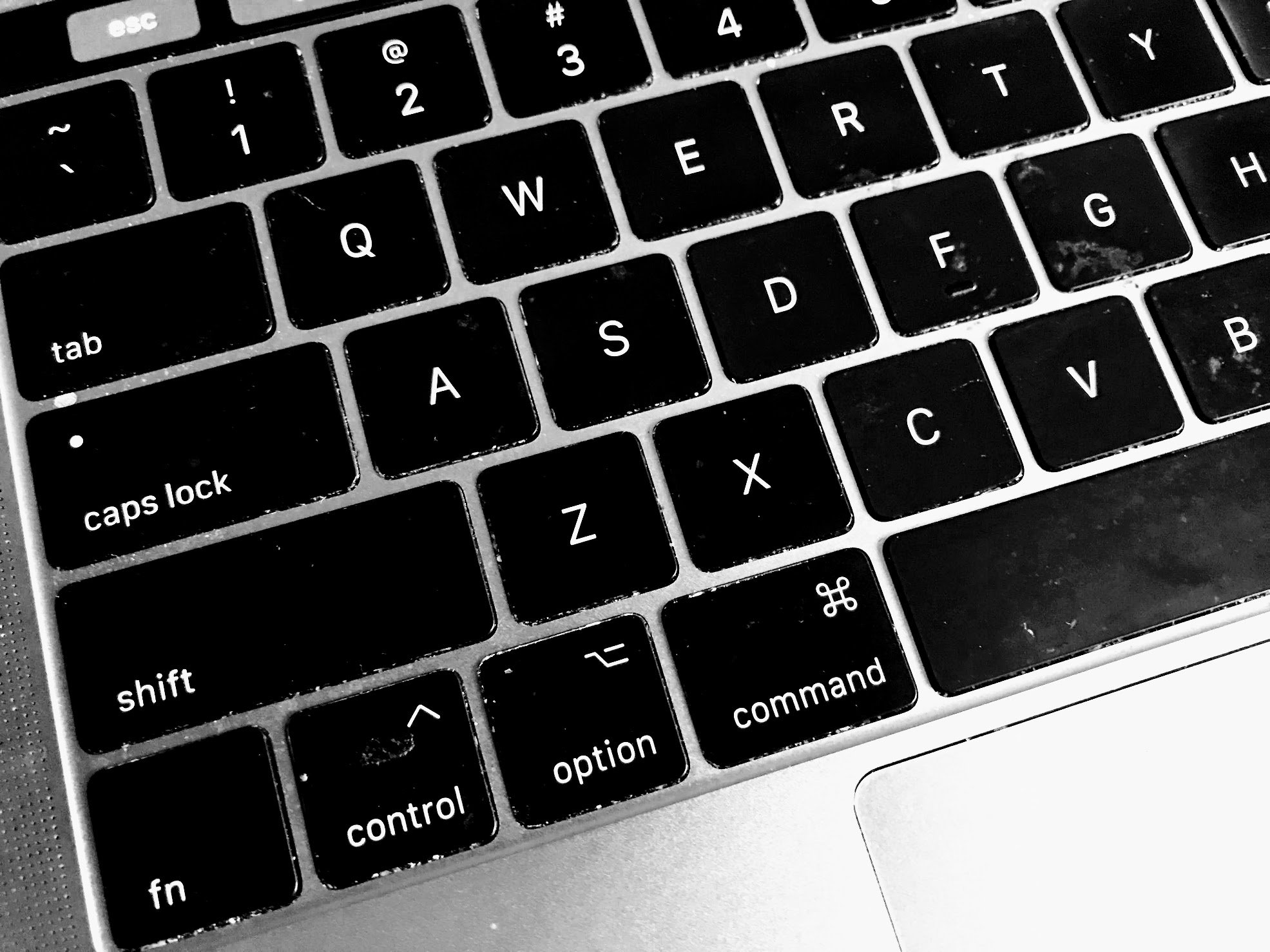
I found Magnifier easy to access but it takes some practice to use it. You can magnify to the power of 9. As I increased the magnification the font was not as clear and became more difficult to read
But it's free if you have Windows XP and maybe worth a try before buying expensive software.
Attachable Computer Screen Magnifier
There are several computer monitor magnifiers available online. Not only will they magnify the computer screen, but they reduce glare as well, making it easier to read.
Be sure to select the computer screen magnifier based on the size of your monitor and style of monitor.
The adjustable magnification increases character size by more than double. Kantek uses a high quality fresnel lens for clarity and for distortion free images. This type of magnifier attaches over your existing monitor.

 Benefits are:
√ Reduces glare
√ Blocks UV rays
√ Provides anti-reflection
√ Easy to install - usually mounts on the top of the monitor
√ Fits 14-19" monitors.
√ Models for flat screen monitors are available
√ Stand magnifiers are available for laptop computers
√ Magnifies approximately to 2x
√ Inexpensive. Cost is usually $100 or less
SPECTRUM MAG 19L
Display screen magnifier filter - 19" (LCD)
Larger Monitor Size
One computer low vision aid that makes a big difference is your computer monitor. With print enlargement programs the bigger the monitor the better. A 17 inch monitor is increasingly becoming a standard size but not adequate for someone with AMD.
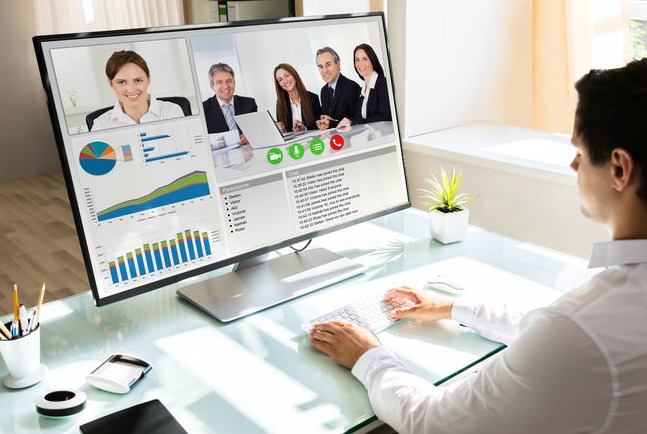
The increased size of the screen provides a larger viewable area which is especially important if your are using a print or screen magnifcation software. Monitor sizes that are available range in size from 17" to 24". Of course the larger the size the more expensive the monitor.
LCD monitors have less flicker compared with conventional monitors. This can be valuable for people with macular degeneration if they find flicker on a conventional monitor unacceptable. LCD screens are more expensive than conventional monitors. Flat screens usually give a larger viewing area and have less glare than curved screens.
This HP monitor from Amazon boasts a mat finish so it has minimal glare. It displays images and text that are very crisp and sharp with great contrast. Users boast of the clarity, brightness and vibrancy of the colors.
HP 27er 27-in IPS LED Backlit Monitor
Large Print Keyboard
It's just as important to see the keyboard as it is to see your computer monitor.
With easy to see, extra large bold letters you can type faster and more accurately. The keys are standard size - just the letters are larger than a normal keyboard making it easier on your eyes.

One can choose from high contrasting yellow keyboard with black print, or black keyboard with white print. There are also keyboards that use LED backlights with backlight colors including Red, Pink or Blue. The brightness can be adjusted using a brightness wheel.

Computer Screen Monitor for Laptops
Many people are now replacing their desk top computers for a laptop. I have, and I enjoy the flexibility of taking it to different parts of the house or with me on my travels.
However, depending on the size of your desktop computer you may
be trading portability for a smaller size screen. If you have trouble
seeing the smaller monitor screen try connecting your laptop to a large computer monitor screen.
Here is a tip from a WebRN Macular Degeneration reader named Neil:
"Many prefer the convenience of a laptop but find that the screen real estate is too small especially for those with compromised vision.
Here is a cheap way around it. Any laptop can be connected to a large computer monitor screen with a USB to DVI or HDMI adapter which costs only $60 to $100 depending on its specifications.
Even an old CRT monitor can be used with the cheaper ones. It works with a Mac or PC and is a no brainer to connect ... just plug and play."
Computer Screen Magnifier using Magnifying Software
There are several software programs that offer amazing print enlargement programs to talking computer programs. However, before you buy new software be sure to consider the system requirements.


The pc screen magnifying software options are:
1) LunarPlus made by Dolphin
2) MAGic made by FreedomScientific
3) ZoomText (previous version called Big Shot) made by Ai Squared
4) SuperNova, which integrates Lunar with the screen reading and Braille output capability of their full-featured screen reader, Hal.
5) JAWS (by FreedomScientific) offers a full-featured screen reader.
Enjoy your time on the computer with better visibility and with less eye strain using contrast settings, enlarged fonts, and larger monitor screens.
Computer Screen Reader
There may be times you find it difficult to read a text or an article and need a little help from a computer screen reader. You can just select the text you want to be read out loud - you don't need to have the whole page or article read to you.
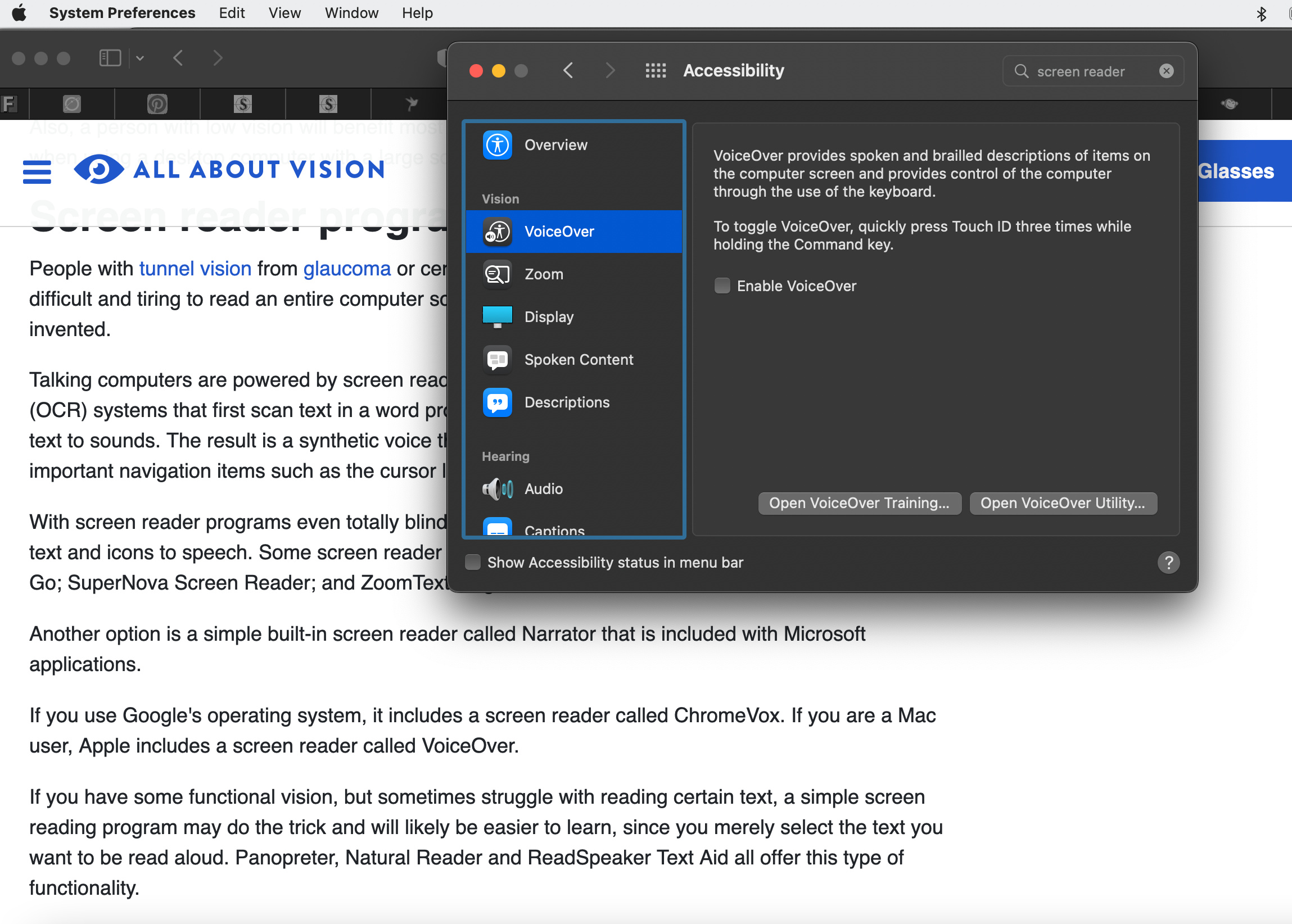
All About Vision has a detailed article on different software that's available right on your computer.
https://www.allaboutvision.com/lowvision/computers.htm
Go from Computer Screen Magnifiers to Macular Degeneration Magnifiers
Go from Computer Screen Magnifiers to WebRN Macular Degeneration

√ Prevention of Macular Degeneration?
√ Tips for Daily Living?
√ Food Suggestions for a Macular Degeneration Diet?
√ Ideas on Visual Aids to Maximize your Sight?
If you said "yes" to any of the above, sign up for the monthly Macular Degeneration News.


