Low Vision Technology
for the Visually Impaired
Low vision technology can make it possible to read, write letters, watch TV, use the computer or watch a football game or concert.
Some links in the following sections are eBay or Amazon affiliate links, which means that if you purchase a product through them I receive a small commission. There is no extra cost to you. Find more details on this page.
These low vision solutions can include an inexpensive aid such as a magnifying app, or a magnifying mouse, to or a more expensive talking computer program or a low vision CCTV.
Just because technology is involved doesn't mean that the device or program is difficult to use. Many of them are super easy - like a low vision CCTV - just place your book under the camera and it can be magnified to whatever font you like.
Low Vision CCTV
Magnifying glasses are limited as to how high their magnification can go. The higher powered glass magnifiers also must be held very close to one's eyes and the larger the power magnifier the smaller the viewing area.
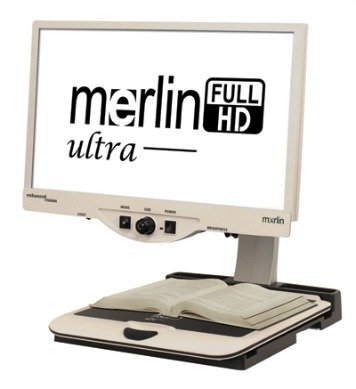
That's what makes electronic magnifiers so appealing to those with macular degeneration.
This low vision technology provides hand held electronic
magnifiers that can go with you to the store, out to eat or traveling. A
low vision CCTV means that an entire page can be magnified onto a large
screen for a large viewing area with adjustable magnification up to
73X.
Electronic Magnifier
High Tech Macular Degeneration Glasses
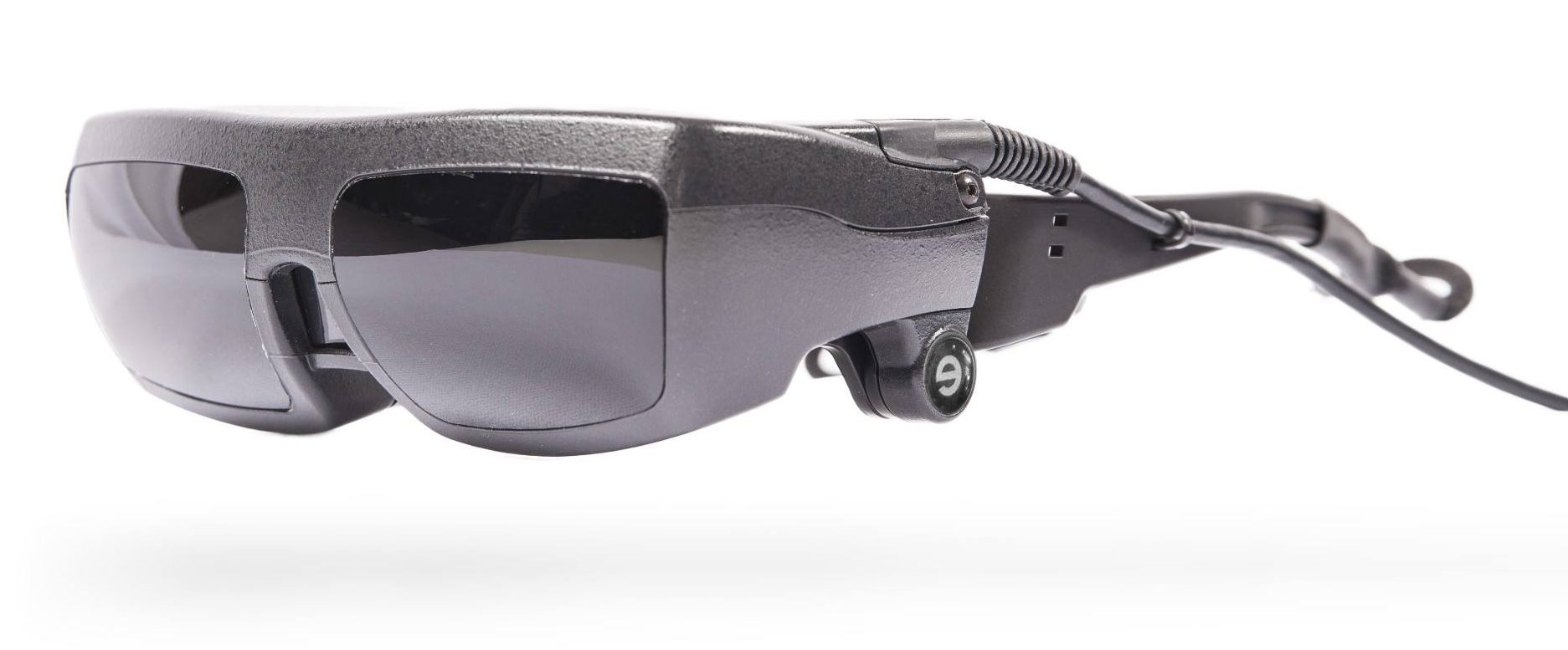
High tech eye wear that allows the wearer to zoom in, zoom out, adjust contrast and more is a soon to be reality thanks to the innovative work of eSight Corp out of Canada.
Find out who would benefit from this low vision technology, how it works and who to contact.
High Tech Macular Degeneration Glasses
Voice Activated Amazon Echo
Instead of struggling to check your watch, set a timer or find your favorite radio station why not just ask "Alexa?"
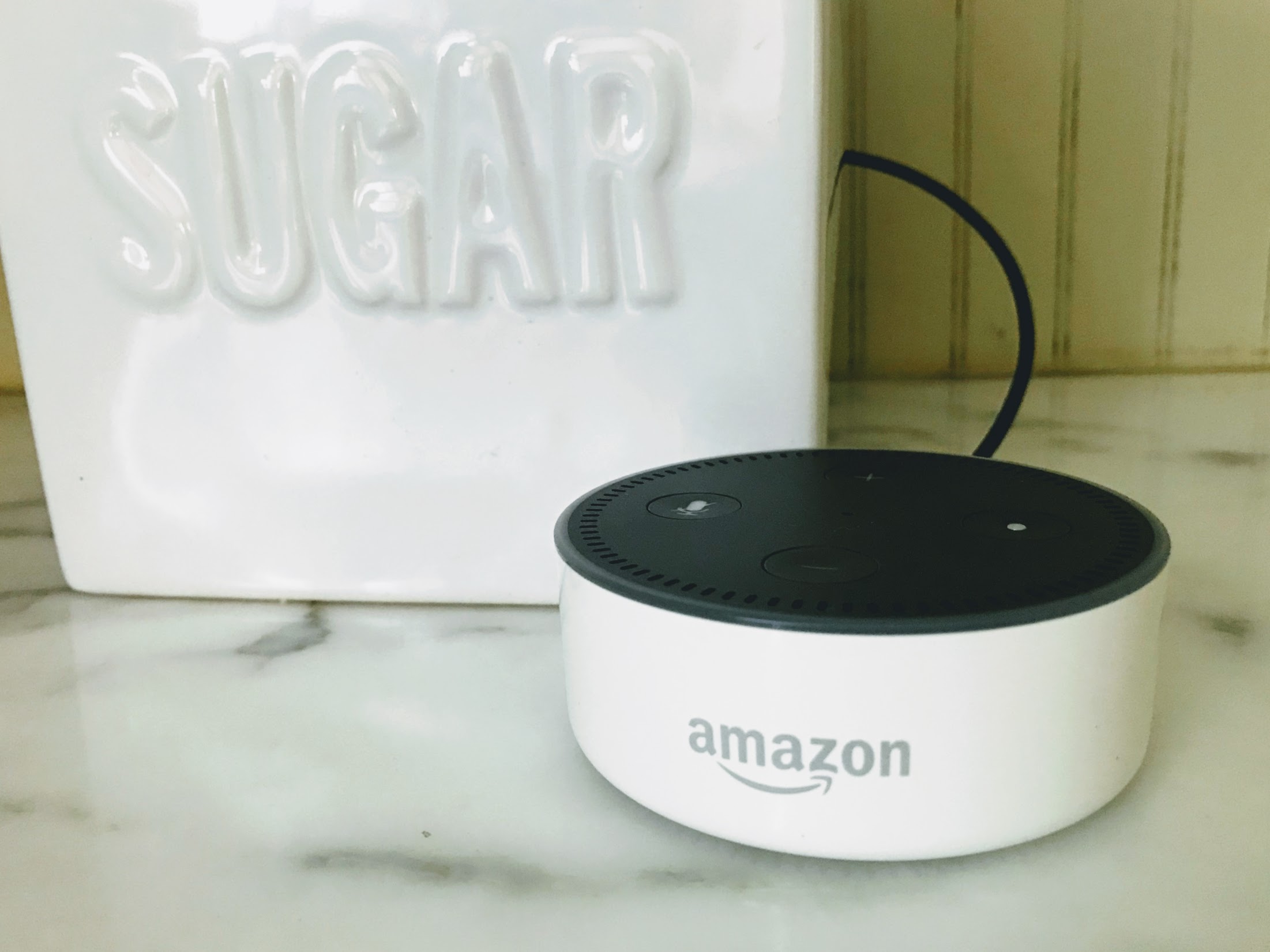
This voice activated device can tell you the time of day, give you today's weather report, play your audio book, give you reminders or add items to your shopping list.
Find out how this device can simplify your life in many different way.
Voice Activated Macular Degeneration Aids
Macular Degeneration Glasses for Near and Far Vision
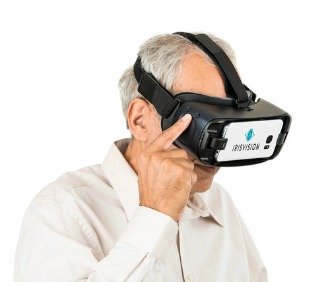
Low vision technology by IrisVision takes "glasses" to a whole new level. Low vision experts from places like Stanford University, Johns Hopkins and the Chicago LightHouse collaborated to develop this optical system that allows the user to see close up and far away.
Macular Degeneration Glasses for Near and Far
Key Boards for the Visually Impaired
Large print keyboards and keys with stark contrast are easier to see and use for those with macular degeneration.

The computer is such a great visual aid, but the small print letters on the keyboard can make using it frustrating to use.
Find out how you can start enjoying the computer with these special keyboards:
Keyboards for the Visually Impaired
Low Vision Glasses
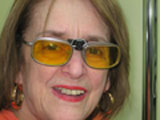
Just as there is no one magnifier for those with macular degeneration, there is no one pair of glasses that can meet all of the vision needs for those with AMD.
One of the important ways of coping with vision loss is learning how to maximize one's usable vision. Special glasses, like these low vision glasses, called E-Scoop, fit over one's prescription eyewear and enhance one's clarity and contrast.
They provide minimal magnification, so they are used for more distance vision and can be used for walking outside, driving, and or riding in a car.
Spectacle Miniature Telescopes
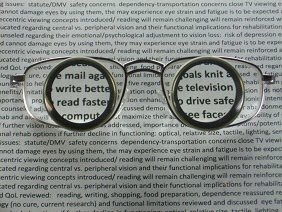
Glasses for macular degeneration, like these spectacle miniature telescopes make it possible for many people to return to activities they thought they could no longer enjoy - such as reading the newspaper, working on the computer or watching television.
Dr. Randolph Kinkade, OD, MPH explains how these glasses work and how they can benefit those with macular degeneration.
Telescope Glasses for Macular Degeneration
Talking Glasses
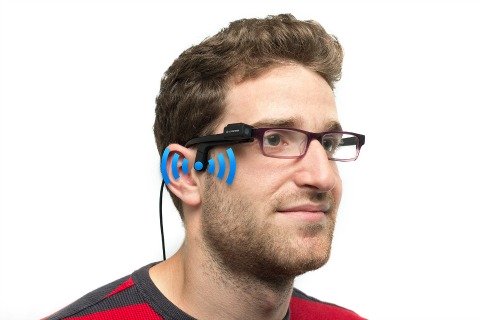
What if instead of seeing an image, you could be told what it is? This new low vision technology is different from other types of glasses, because instead of trying to improve one's vision, the device speaks what it sees.
OrCam has made it possible to improve one's independence with a device that can be mounted on any prescription eye wear.
Find out how it works and to watch a short video go to:
The Eye Brain Connection - A Unique Approach
Offering a unique approach to treating low vision, Dr. Ronald Siwoff, OD, FAAO, DPL-ABO, and his team of professionals have seen the benefits of treating patients with macular disease holistically. Along with a comprehensive eye exam, patients are evaluated as to overall health and the eye-brain connection.
Dr. Siwoff is assisted by a team of licensed optometrists, licensed paraoptometric technicians, and a licensed professional counselor specializing in cognition and visual function. The Siwoff method is grounded on the premise that the eye does not operate in a vacuum.
The act of seeing is intricately connected with the overall health of the patient, the eye structure, the oculomotor system, the neuro-receptors and the visual cortex. Learn in this e-interview how the Siwoff approach helps people with macular degeneration see in a whole new way.
Low Vision Treatment with Paraoptometrics
Large Button Cell Phone
A large button cell phone would have come in handy for my father in law who has wet macular degeneration when he got lost at an airport and couldn't find his gate. He almost missed his flight - if he'd had a cell phone he could have called his wife who was anxiously waiting for him at the gate.


Finding a simple to use and easy to read cell phone is a very
helpful aid for not only communicating with others but for safety reasons as well.
Today's new cell phones are more user friendly than regular phones thanks to large buttons and/or voice activated software.
By simply giving voice commands, an iPhone will call up anyone in your address book. Of course it does so much more, such as texting someone by voice command, scheduling a dentist appointment, or checking the weather.
Go from Low Vision Technology to WebRN Macular Degeneration Home
√ Prevention of Macular Degeneration?
√ Tips for Daily Living?
√ Food Suggestions for a Macular Degeneration Diet?
√ Ideas on Visual Aids to Maximize your Sight?
If you said "yes" to any of the above, sign up for the monthly Macular Degeneration News.


