Eye Health Tips
Support your eyes and your vision with eye health tips that range from incorporating nutrient dense anti-inflammatory foods to UV light protection to reduce damage to your retina and lens.
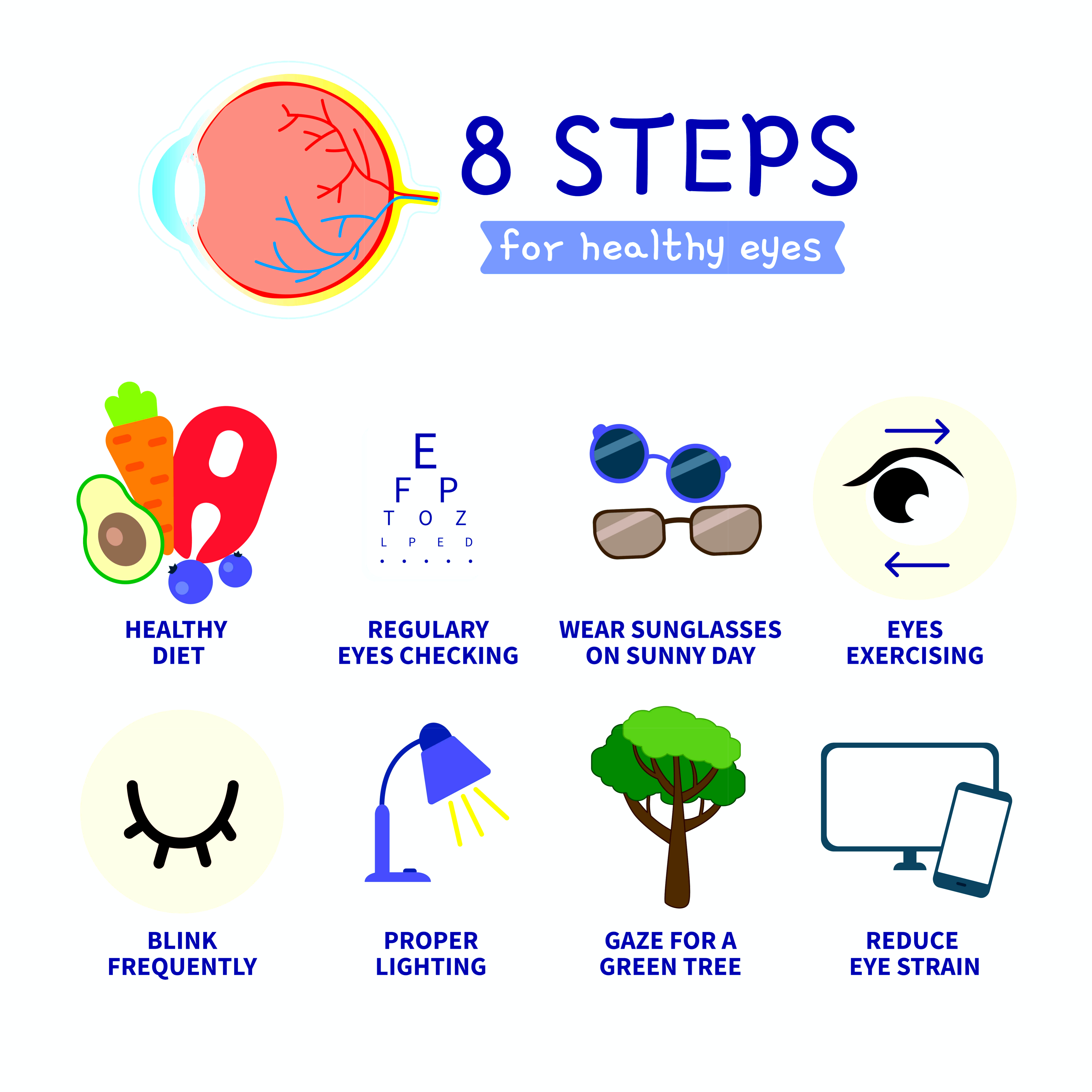
Best Foods for Eye Health
Macular
degeneration nutrition is much like a sports team - some foods play
defense and fight free radical damage while other foods play offense and
help build healthy retinal tissue.
You will find that there is plenty of research to support the role of
nutrition in macular degeneration prevention and progression of this
retinal disease.

"Dietary changes may be the most practical and cost-effective prevention method to combat progression of age related macular degneration."
Allen Taylor, Ph.D., Director of the Laboratory for Nutrition and Vision Research at the USDA
Eye Health Tips to Reduce Computer Eye Strain
Computer eye strain is becoming more prevalent as the amount of time sitting in front of a computer increases. In fact it has become so prevalent it now has it's own diagnostic name of Computer Vision Syndrome.
Many people, including myself, sit in front of a computer all day at
work only to go home and spend a few more hours at the computer checking
e-mail, working on this website :), shopping, reading the daily news,
etc.

Eye strain from long hours at the computer manifests itself with these common symptoms:
eyes feeling tired or heavy,
burning sensation,
eyes watering,
blurred vision,
headaches,
irritated eyes,
dry eyes, or
trouble refocusing.
Computer eye fatigue is not just from computer use - it is also the result improper lighting, where and how your computer screen is positioned and the way you look at your computer screen.

There are several things you can do to reduce computer eye fatigue. According to Dr. Marc Grossman,"Many of these symptoms can be reduced through a combination of
correcting workstation conditions,
posture,
stress-relieving lenses prescribed specifically for computer operation,
special anti-glare screens,
eye exercises and
nutritional supplementation."
For more information on steps you can take to prevent Computer Vision Syndrome click here:
Tips to Reduce Computer Eye Strain
What is a Detached Retina and Why Is it an Eye Emergency?
Knowing and recognizing the symptoms of a detached retina may save your sight or the sigt of someone you know.
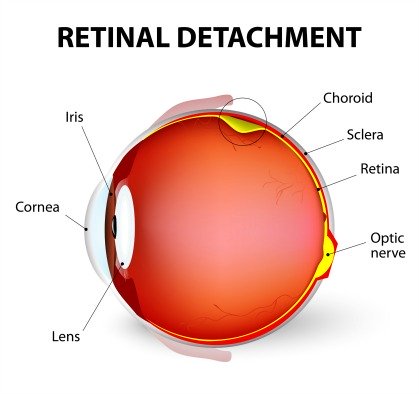
A good friend of mine was experiencing symptoms of a detached retina, and when
he expressed them to a co-worker she responded that he needed to be
checked right away. He saw a retina specialist promptly who diagnosed
him with a detached retina.
He was grateful for his co-worker who may have saved his vision.
What is a Detached Retina and What are The Symptoms
Eye Health Tips For Eye Floaters and Flashes
The vitreous humor is a clear gel-like substance that is composed mostly of water and gives the eye its shape and form.
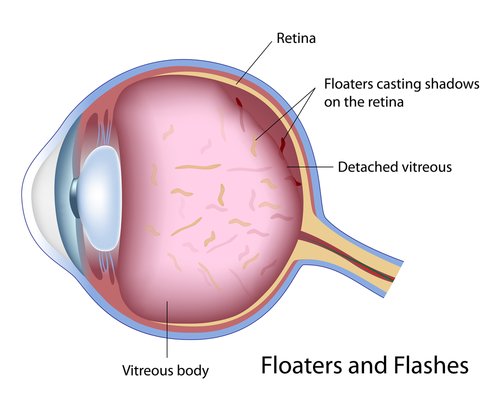
Light enters the eye through the cornea, pupil, and lens, and is then transmitted through the vitreous humor to the retina.
It fills the space between the lens and the retina (80% of the volume of the eyeball) which lines the back of the eye and helps to keep the retina in place by pressing it against the choroid. To learn more click here:
Vitreous Humor and It's Role in Eye Floaters and Flashes
Cataract Causes, Symptoms and Prevention
Eye cataracts become more common as we age. According to the National Eye Institute, "by age 80, more than half of all Americans either have a cataract or have had cataract surgery." Many people who have macular degeneration also have cataracts which can affect their vision.
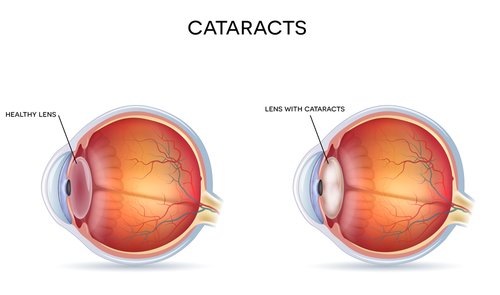
A cataract is a clouding of the lens in the eye. It can occur in one or both eyes. The lens is a clear part of the eye that helps to focus light, or an image, on the retina. The retina is the light-sensitive tissue at the back of the eye.
Light passes through the transparent lens to the retina. Once it reaches the retina, light is changed into nerve signals that are sent to the brain.
When the lens is clear the retina receives a sharp image. If the lens is cloudy from a cataract, the image is blurred.
Cataract types are categorized by where the cataract is located, when it developed and the cause of the cataract. A person can have more than one type of cataract and each type affects our vision differently.
Learn more about the cataract types, causes, symptoms and prevention...
Cataract definition, causes and symptoms
Free Eye Strengthening Exercises
Did you know that there are exercises for computer users?
I started researching more about Computer Vision Syndrome and how to take care of my eyes when I started experiencing some of these symptoms myself.
After spending long hours on the computer my eyes would feel really tired, the words on my computer screen appeared blurry, and I needed to use my reading glasses more frequently.
The book that I found most helpful is by Marc Grossman, OD, L.Ac. and Michael Edson,MS, L.Ac. (who frequently contributes to this website by answering questions from readers) called Natural Eye Care: Your Guide to Healthy Vision.
One exercise that I particularly like and that really feels good is called Palming. This exercise helps me to relax my eyes and I try to do it everyday.
There are several other exercises that benefit our eyes. To hear more about what Michael Edson has to say and to learn about eye strengthening exercises click here:
Free Eye Strengthening Exercises
Eye Health Tips for Vitamins
Supplements for eye health include lutein and zeaxanthin supplements as well as AREDS vitamins used in the Age Related Eye Disease Study.
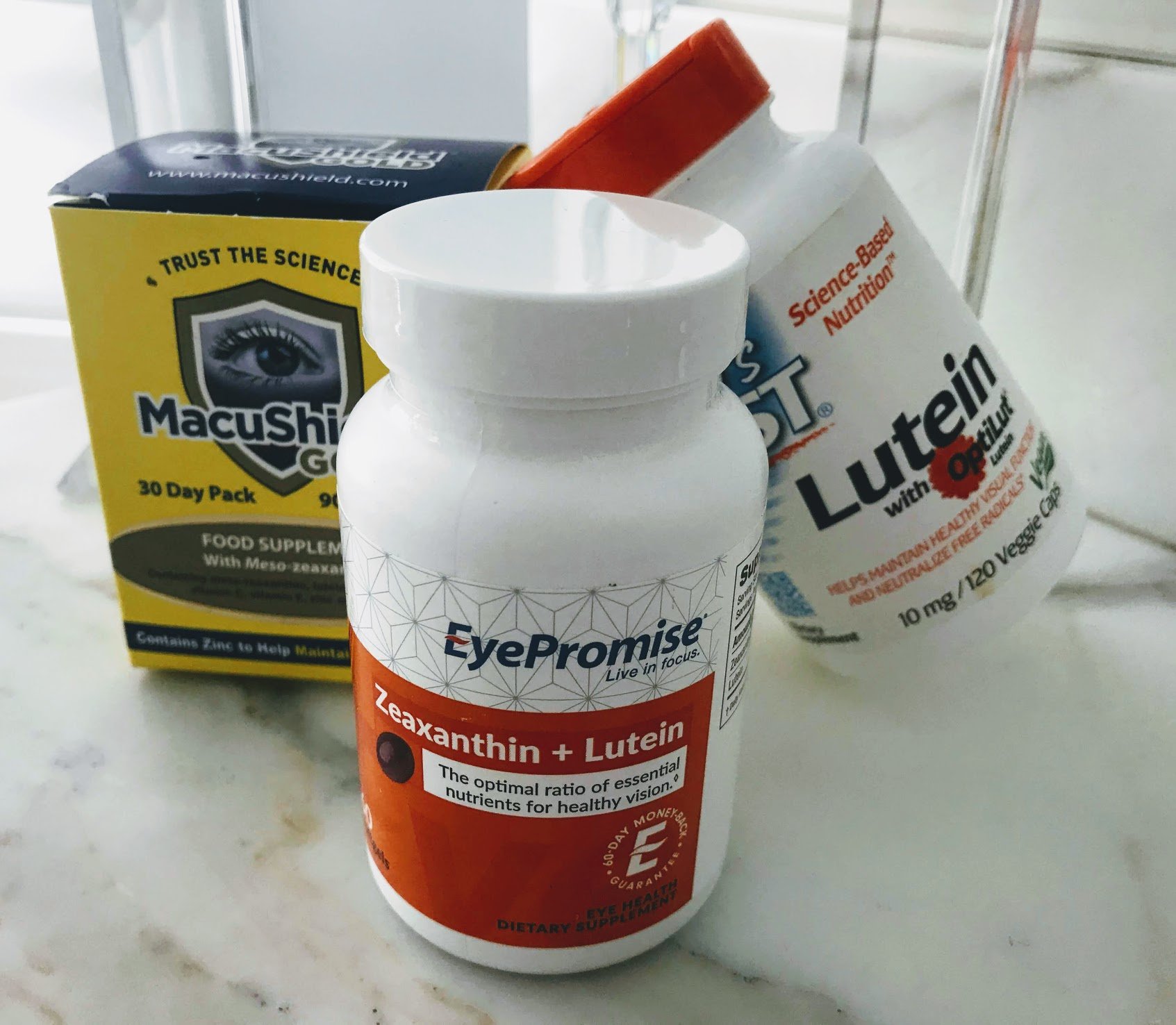
Should you take vitamins for your eyes if you want to prevent macular degeneration or slow it's progression?
Eye Health Tips for UV Protection
The sun's rays can cause damage to the retina and cause cataracts. The retinal cells are very vulnerable to the damages of oxidization since they are exposed to ultraviolet light. That is why it is so important to protect your eyes with sunglasses that provide 100% UV-A and UV-B protection.
However, you may be wondering, do I have to buy the most expensive sunglasses to get the best protection?
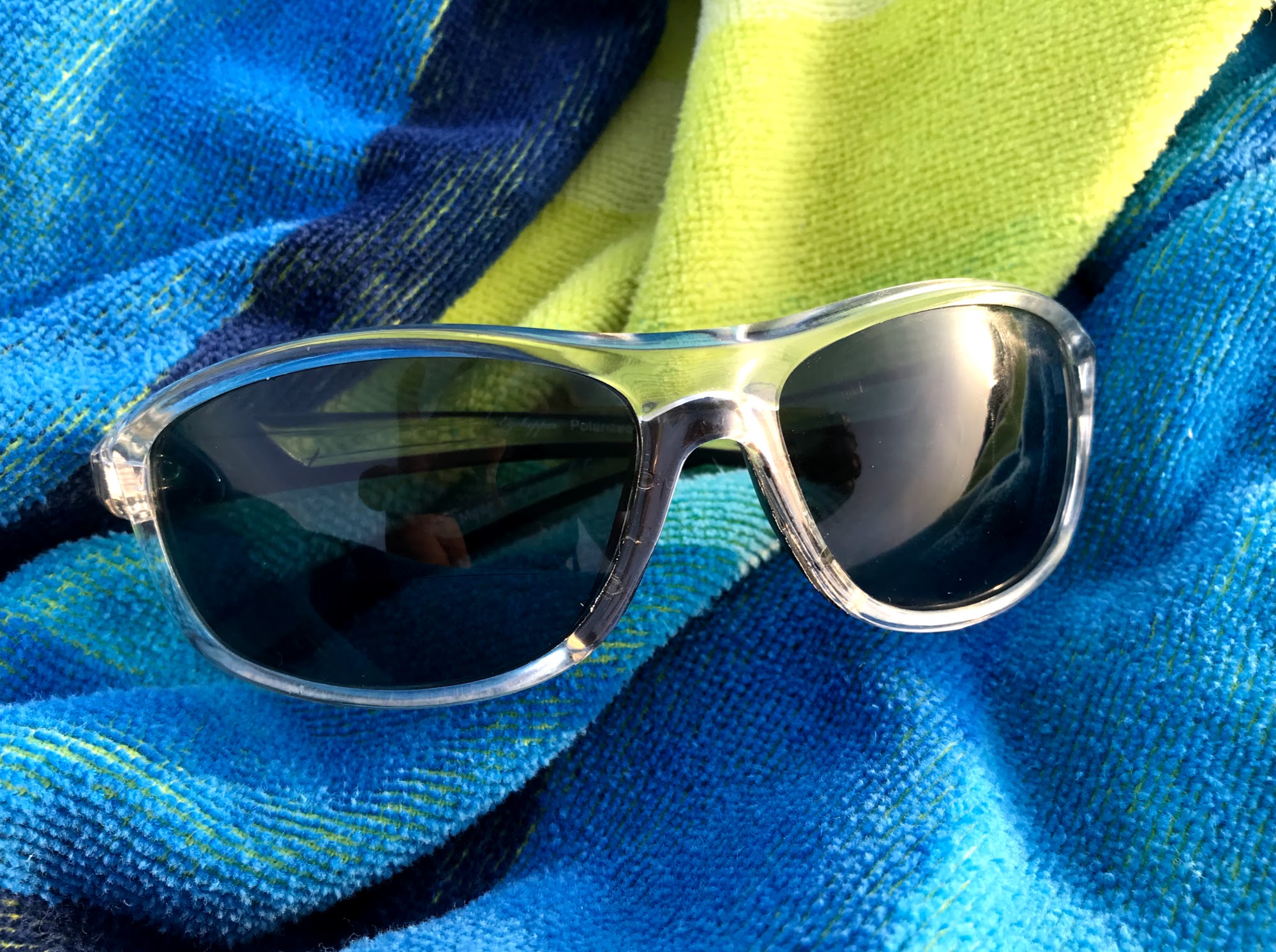
Tips for choosing the best sunglasses to protect your vision, prevent skin cancer and reduce glare.
UV Protection Sunglasses to Protect Your Vision
Begin practicing these eye health tips of better nutrition, UV eye protection, and reduced computer eye fatigue to support healthy vision as you age.
Go from Eye Health Tips to WebRN Macular Degeneration Home
√ Prevention of Macular Degeneration?
√ Tips for Daily Living?
√ Food Suggestions for a Macular Degeneration Diet?
√ Ideas on Visual Aids to Maximize your Sight?
If you said "yes" to any of the above, sign up for the monthly Macular Degeneration News.


